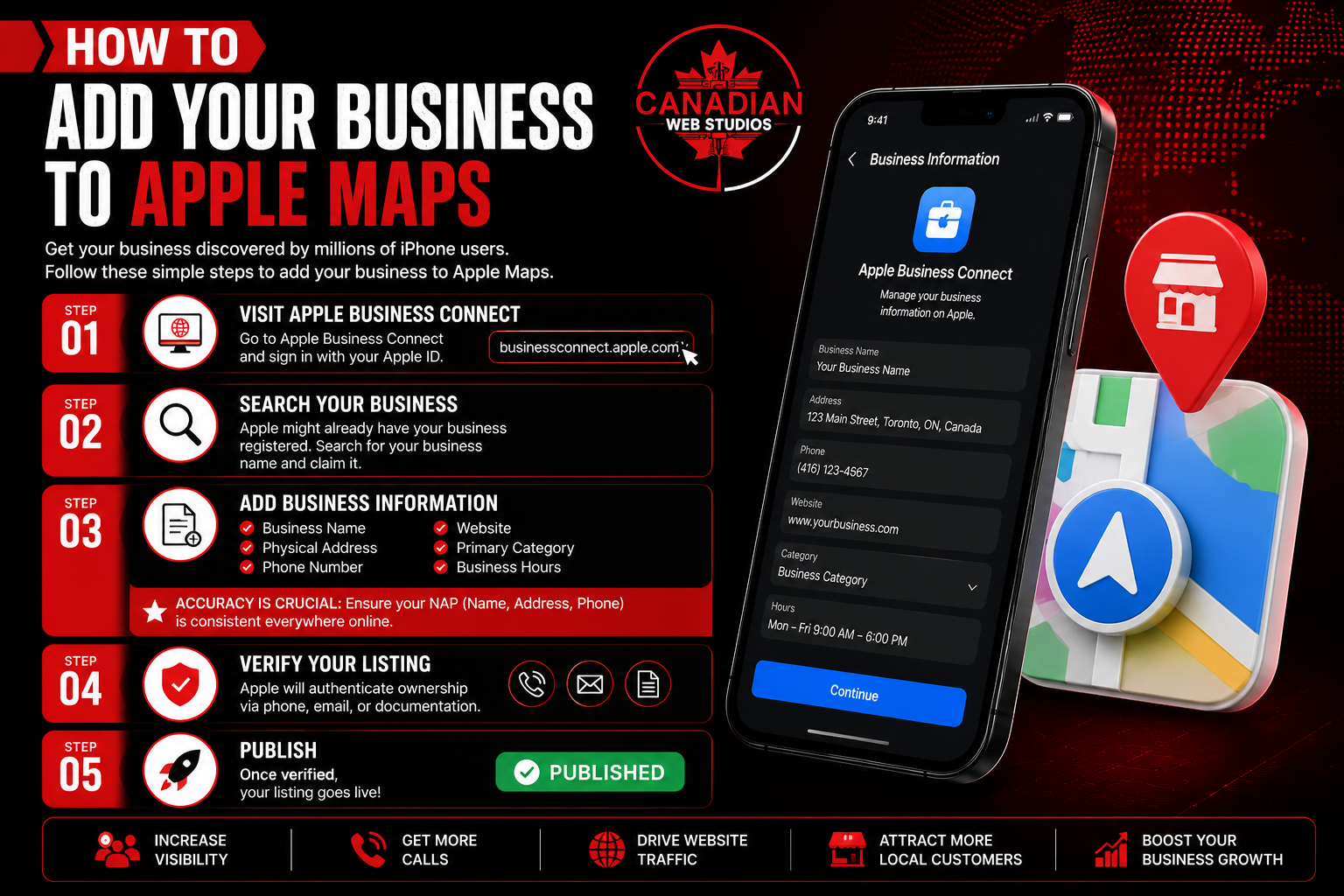
Step 1: Visit Apple Business Connect
Go to Apple Business Connect and sign in by your Apple ID.
Step 2: Search Your Business
Apple might already have your enterprise registered. Hunt for your business name and claim it.
Step 3: Add Business Information
Enter:
- Business name
- Physical address
- Phone number
- Website
- Primary category
- Business hours
Accuracy is concerned here. Ensure your NAP (Name, Address, Phone) is constant everywhere online.
Step 4: Verify Your Listing
Apple will authenticate ownership via phone, email, or documentation.
Step 5: Publish
Once verified, your listing goes active.